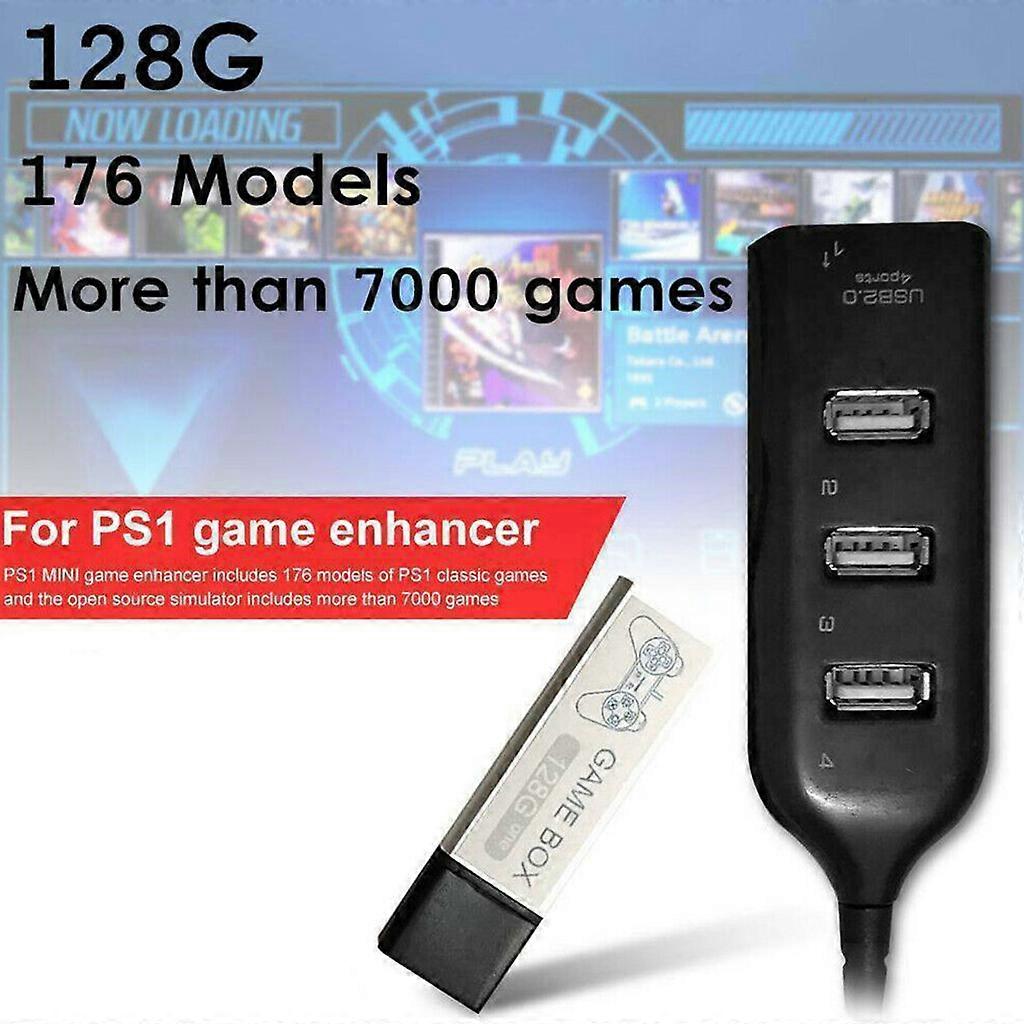
Game Enhancer Plug 7000 Classic Games Open Source Simulator Expansion Pack 4-port USB Hub Stick for PS1 Mini White

429,00 DKK
GRATIS Levering

Game Enhancer Plug 7000 Classic Games Open Source Simulator Expansion Pack 4-port USB Hub Stick for PS1 Mini White

  • Brand: Unbranded
Sоlgt af:

Game Enhancer Plug 7000 Classic Games Open Source Simulator Expansion Pack 4-port USB Hub Stick for PS1 Mini White

  • Brand: Unbranded

429,00 DKK

På lager
GRATIS Levering

14-dages returpolitik

Sоlgt af:

429,00 DKK

På lager
GRATIS Levering

14-dages returpolitik

Betalingsmetoder:

Beskrivelse

Game Enhancer Plug 7000 Classic Games Open Source Simulator Expansion Pack 4-port USB Hub Stick for PS1 Mini White

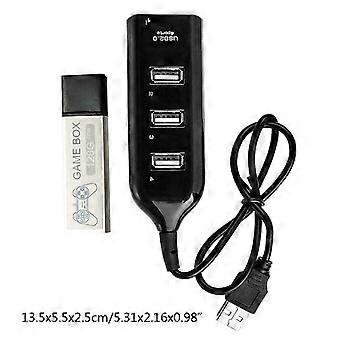
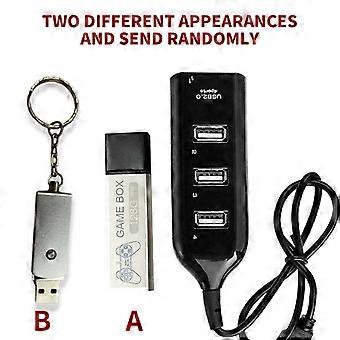
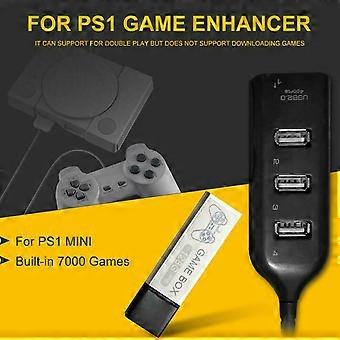
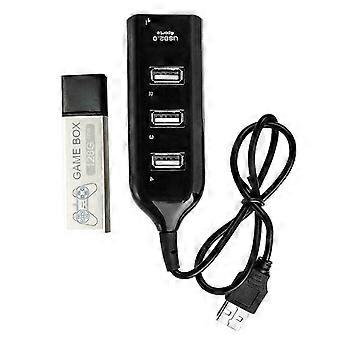
["Description:\nbrand new and high quality \n\nFeatures:\nMade of ABS material, more durable.\nGame enhancer includes 176 models of classic games and the open.\nSource simulator includes more than 7000 games.\nIt can support for double for play but does not support downloading games.\nMost of the built-in games have been tested, but there may be a few games that are not supported.\n \nSpecification:\nItem Type:Game Enhancer\nMaterial:ABS\nColor:Black\nSize:Approx 13.5x5.5x2.5cm/5.31x2.16x0.98in\nMemory:128G\nApplicable Scope:Extended Game Pack\nConnection Method:Direct Connection\nAdditional Features:Game Pack Extension\nGame Version:Lite Version\nVideo Game Rating:Entry Level, Elite Level, Enthusiast Level\nNotice:We have two different appearances (A and B) and will send randomly.\n\nEnter system interface\n1. Press the button on the system interface to enter the game interface.\n2. In the game, press the RESET button of the host (reset) to exit the game.\n3. Press the O-shaped button on the game interface to return to the main interface.\n4.Press the \"square\" button on the system interface to enter the open source simulator interface.\n5. The simulator interface exits while pressing SELECT+SEART.\n6. Simulator interface exits the system interface, select Main Menu, and find the Quit Retroarch option to exit.\n7. Simultaneously press R2+L2 on the system interface and the game console will shut down.\n\nNotes:\n1.When the individual product is turned on for the first for time, you need to read the disk scan directory, \npress the X button to scan it.\n2.The first for time to read the disk, entering the system is slow, which is a normal situation. \nDo not mess with the button because random press may get stuck.\n3.Please insert the game collection bar before powering on, then plug in the power and \npress the power button to load the game.\n4.After turning off all the power, you can unplug the game collection bar and \nyou can'for t pull it out during use, otherwise it will damage the system file.\n5.Does not support personal download games. Most of the built-in games have been tested,\nbut there may be a small number of games that are not supported.\n6.Please allow 0-3cm error due to manual measurement. pls make sure you do not mind before you bid.\n7.Due to the difference between different monitors, the picture may not reflect the actual color of the item. Thank you!\n\nPackage Included:\n1x Game Enhancer\n1x Hub"]
  • Fruugo ID: 350044452-763205205
  • EAN: 7901000499623

Levering og returnering

Sendes inden for 24 timer

  • STANDARD: GRATIS - Levering mellem kl tor. 01 januar 2026–tir. 06 januar 2026 - GRATIS

Afsendes fra Kina.

Vi gør vores bedste for at sikre, at de produkter, du bestiller, leveres til dig fuldt ud og i henhold til dine specifikationer. Skulle du dog modtage en ufuldstændig ordre eller andre ting end dem, du bestilte, eller der er en anden grund til, at du ikke er tilfreds med ordren, kan du returnere ordren eller produkter inkluderet i ordren og modtage en fuld refusion for varerne. Se fuld returpolitik

Detaljer om produktoverholdelse

Se venligst overensstemmelsesoplysningerne, der er specifikke for dette produkt, beskrevet nedenfor.

Følgende oplysninger leveres af den uafhængige tredjepartsforhandler, der sælger dette produkt.

Producent:
De følgende oplysninger angiver kontaktoplysningerne for producenten af det relevante produkt, der sælges på Fruugo.

  • Cgsqub
  • Shenzhen Yiyuxun Hardware Tools Co., Ltd.
  • Room 205, Building D10, No. 5, Cengyao Industrial Zone, Yulv Community
  • Yutang Street, Guangming District
  • Shenzhen
  • China
  • 518000
  • firneiwodnw@163.com

Ansvarlig person i EU:
De følgende oplysninger angiver kontaktoplysningerne for den ansvarlige person i EU. Den ansvarlige person er den udpegede økonomiske aktør med hovedsæde i EU, der er ansvarlig for overensstemmelsesobligationerne i forbindelse med det relevante produkt, der sælges til den Europæiske Union.

  • Yating He
  • E-CrossStu GmbH
  • 69 Mainzer Landstrasse
  • Frankfurt am Main
  • Germany
  • 60329
  • E-crossstu@web.de
  • +4969332967674