Description
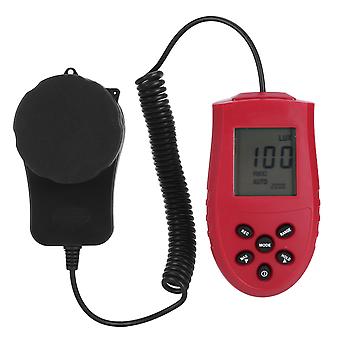
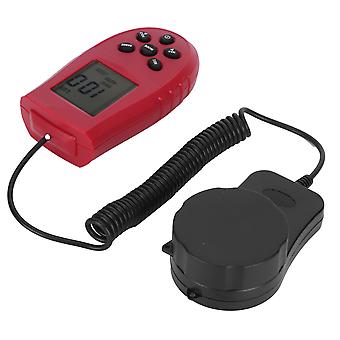
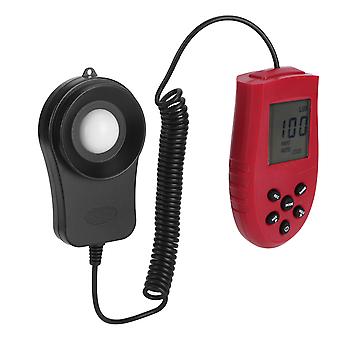
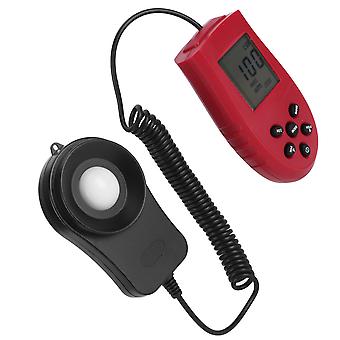
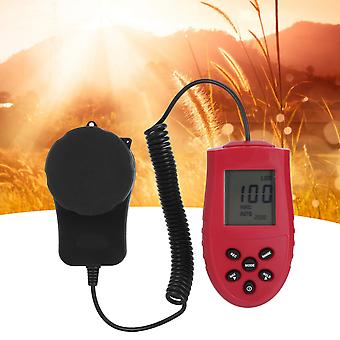
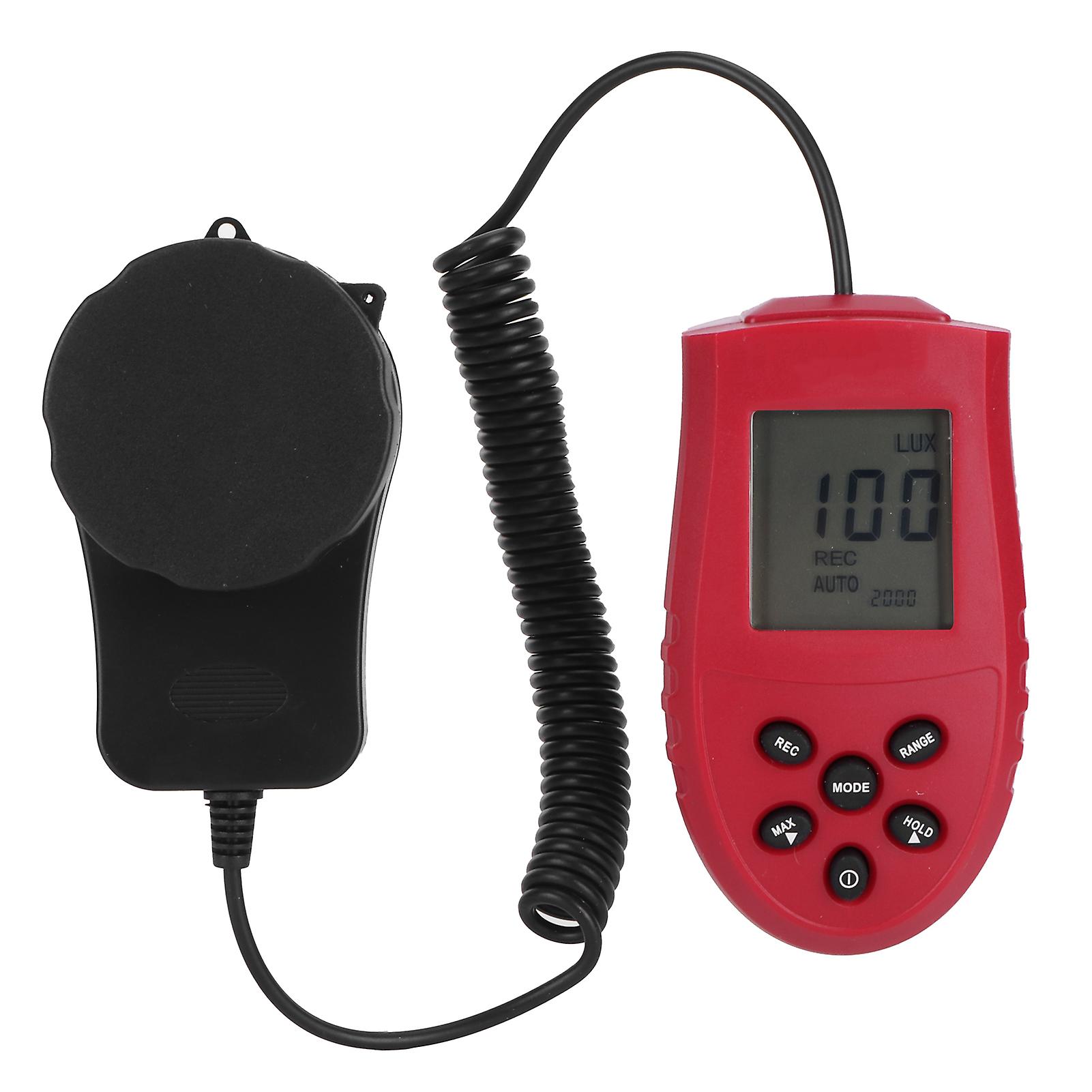
HS1010A Handheld LCD Luminometer Digital Photometer Luxmeter Light Meter Illuminance Meter
Item Type: Luminometer_x000D_
Material: Plastic_x000D_
Color: As shown in the picture_x000D_
Weight: Approx.194g/6.8oz_x000D_
Unit of Measurement: Lx / FC unit_x000D_
Display Resolution: 0.1Lx/0.01FC_x000D_
Display: 3 1/2 digit LCD display_x000D_
Measuring Range: 1Lx-200,000Lx_x000D_
Sampling Rate: 2.0 times/sec_x000D_
Repeat Test: 2%_x000D_
Temperature Characteristics: 0.1%C_x000D_
Photosensitive Film: Photodiode with filter lens_x000D_
Power Supply: 2 x AAA batteries (not included)_x000D_
_x000D_
_x000D_
How to Use:_x000D_
1. Power switch button: Press the power button to switch the power ON/OFF._x000D_
2. Maximum/minimum measurement selection button: Press the MAXIMUM button once, the LCD screen displays the "MAXIMUM" symbol, enter the maximum measurement function, only the maximum value during the measurement process is displayed; press again, the LCD screen displays the "MIN" symbol , Enter the minimum value measurement function, only the minimum value in the measurement process is displayed; press the MIN key again, the "MIN" symbol disappears, and the real-time measurement data is displayed._x000D_
3. Measurement data hold function key: Press the hold key once, the LCD screen displays the "8" symbol, the measurement data is locked, and the illuminance measurement cannot be performed; press the "8" key again to cancel the lock, the symbol disappears, and the illuminance is measured again._x000D_
4. Measurement gear conversion function button: Press the RANGE button repeatedly to realize the conversion measurement of different gears._x000D_
When the "AUTO" symbol is displayed, it means that it is in the automatic range conversion function, and the corresponding gear can be automatically selected according to the measured light strength. When the "AUTO" symbol is not displayed, it means manual range conversion. When the measured light strength exceeds When the currently displayed range is displayed, the symbol "8" will be displayed. You need to manually press the RANGE key to enter the next larger range for measurement._x000D_
5. Instrument function setting key: Long press the MoDE key for more than 5 seconds to enter the Lx/FC measurement unit selection function, the LCD screen "Lx" symbol flashes, if you need to convert to FC measurement unit, press the HOLD key "FC" Flashing, the meter will display the measurement data in FC; on the contrary, if the LCD screen "FC" flashes, if you need to switch to the Lx measurement unit, press the MAXIMUM button, if the measurement unit has been selected, press the MODE button once , enter the data automatic recording parameter setting function.
1Wide measurement range, the measurement range is from 1 to 200,000 lx, Lx or FC unit switchable.
2Maximum and minimum reading hold function. Compact in size and light in weight, you can carry it conveniently.
33 1/2 digit LCD display, measurement data display clear, convenient and intuitive observation.
4Separate design of measuring head and display meter, suitable for measuring work in complex environment.
5Widely used for monitoring light strength in homes, laboratories, office, schools, indoor farming, etc.
1 x Luminometer(Battery Not Included)
1 x Instruction Manual
-
Fruugo ID:
313233474-699030992
-
EAN:
6991051571622
Delivery & Returns
Dispatched within 24 hours
Shipping from China.
We do our best to ensure that the products that you order are delivered to you in full and according to your specifications. However, should you receive an incomplete order, or items different from the ones you ordered, or there is some other reason why you are not satisfied with the order, you may return the order, or any products included in the order, and receive a full refund for the items. View full return policy